
Technology in 2025 is not just about faster devices or bigger storage. It is about intelligence that works with us, almost like a trusted companion.
This is where the best AI personal assistant comes in. Far from being a novelty, these assistants have become part of daily routines, helping people organize work, manage personal tasks, and even make complex decisions easier.
Think about how much time you spend answering emails, remembering meetings, or planning your week. An AI personal assistant can do most of this automatically. It learns your habits, understands your preferences, and adapts to the way you work.
Whether you are a busy professional juggling projects, a student trying to balance studies, or simply someone who wants to save time, having the right assistant can make life smoother and more productive.
This guide explores the best AI personal assistant apps in 2025, what makes them useful, and how they can be a game-changer for both personal and professional life.
What Makes a Great AI Personal Assistant
Not every app that calls itself an AI assistant is worth using. The real value comes from how well it blends into your daily routine. A great personal ai assistant should do more than set reminders. It should be able to listen, understand, and respond in ways that feel natural.
Here are the qualities that make an assistant stand out in 2025:
- Natural Language Understanding: It should respond to instructions like a human, without forcing you to use specific commands.
- Task and Schedule Management: From handling your calendar to prioritizing emails, it should keep your day under control.
- Multi-Device Support: The best AI personal assistant works across phones, laptops, and smart home devices, so you’re always connected.
- Personalization: It should adapt to your habits, learning over time what matters most to you.
- Privacy and Security: With personal data at stake, the assistant must offer strong protection and transparency in how information is used.
When these features come together, an AI personal assistant stops being just a tool and becomes something closer to a digital partner.
If you want to learn deeply about AI & machine learning, you would love to explore What is Deep Machine Learning: A Complete Step-by-Step Guide
Benefits of AI Personal Assistants
The rise of AI assistants is not just a trend—it is a shift in how people live and work. Adding a personal AI assistant app to your daily routine can unlock several advantages:
- Time Savings: Automates repetitive tasks like scheduling, follow-up emails, and reminders.
- Higher Productivity: Keeps your projects on track by prioritizing what matters most.
- Learning and Research: Quickly summarizes articles, explains topics, or helps students organize study routines.
- Simplified Living: Handles shopping lists, tracks expenses, and even manages smart home devices.
- Better Decision Making: Suggests the most efficient ways to complete tasks based on your previous behavior.
In short, the best AI personal assistant is more than convenient. It is a tool that reduces stress, improves focus, and lets you spend more time on meaningful work instead of small distractions.
Best AI Personal Assistants in 2025
1. ChatGPT (OpenAI)
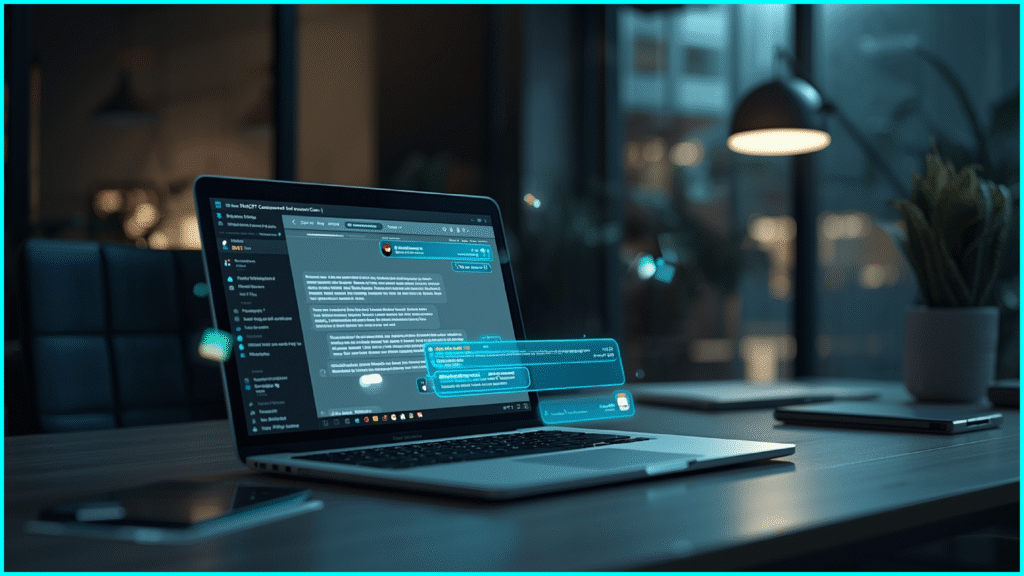
ChatGPT is one of the most versatile choices for anyone looking for the best AI personal assistant in 2025. Built by OpenAI, it has grown beyond being a chatbot into a complete productivity tool. Whether you need to draft an article, prepare emails, summarize lengthy documents, or get tailored advice, ChatGPT delivers quick and reliable assistance.
Features
- Natural language conversations with high accuracy
- Draft emails, blogs, reports, and summaries
- Task reminders and basic scheduling tools
- Available on desktop, mobile, and browsers
- Connects with Google Workspace, Slack, and Microsoft 365
What I liked
- Can handle multiple roles: writer, planner, researcher, and tutor
- Learns preferences over time and becomes more useful
- Saves effort by condensing reports into clear summaries
- Smooth performance across all devices
What I disliked
- Advanced features require a paid subscription
- May provide inaccuracies with technical tasks
- Limited voice assistant features compared to Alexa or Siri
Pricing
- Free version with basic tools
- ChatGPT Plus: $20 per month for faster and more advanced results
Suitable For
- Professionals, students, small businesses, and anyone who needs a flexible ai personal assistant app
How to Start
Sign up for OpenAI ChatGPT. Begin with the free version and upgrade to Plus if you need priority access and more power.
2. Google Gemini

Google Gemini is the intelligent personal assistant deeply connected with Google’s ecosystem. It shines in managing emails, analyzing data, and helping with research while working seamlessly inside Google Workspace. For users already dependent on Gmail, Calendar, and Docs, Gemini feels like a natural extension of daily workflow.
Features
- Deep integration with Gmail, Docs, Sheets, and Calendar
- Context-based recommendations for tasks and scheduling
- Research support with real-time information
- Works on desktop, Android, and iOS
- Voice interaction with Google Assistant support
What I liked
- Perfect for professionals who rely on Google services
- Provides context-aware suggestions that save time
- Easy to automate repetitive tasks like sorting emails
What I disliked
- Full power is unlocked only with a Google Workspace subscription
- Limited offline capabilities
- It can feel overwhelming for beginners
Pricing
- Free version available with limited tools
- Premium tools included in Google Workspace (starting from $6 per user per month)
Suitable For
- Students, professionals, and businesses that use Google products daily
How to Start
Log in to Gmail or any Google app and enable Gemini features. For business-grade use, subscribe to Google Workspace.
3. Microsoft Copilot
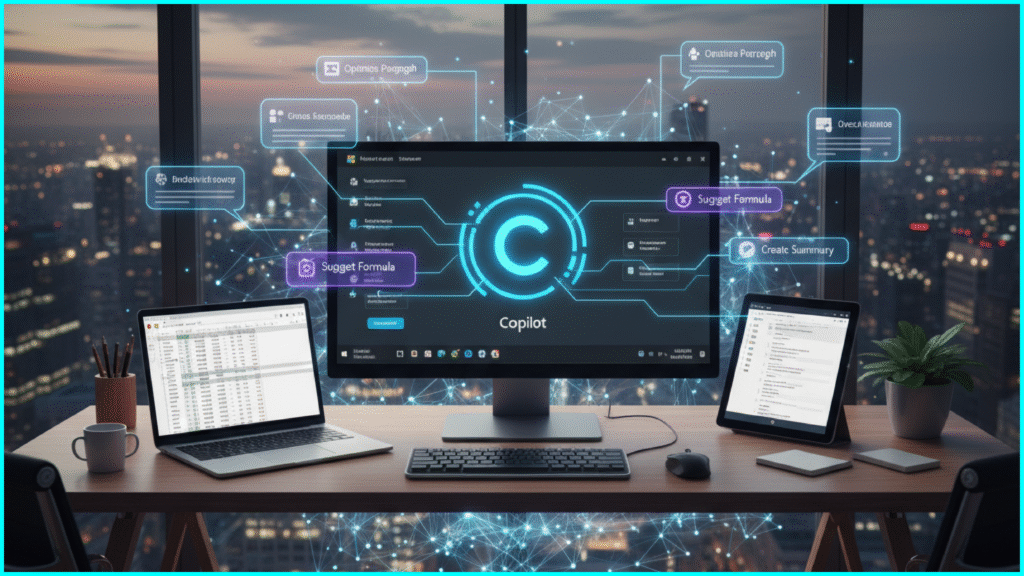
Microsoft Copilot is Microsoft’s answer to the demand for the best ai personal assistant for business.
Integrated directly into Word, Excel, Outlook, and Teams, it helps professionals draft content, analyze spreadsheets, and automate workflows. Copilot makes Microsoft 365 smarter and more efficient, saving hours in office environments.
Features
- Content generation in Word and PowerPoint
- Email automation and smart replies in Outlook
- Data analysis in Excel and Power BI
- Integration with Teams for collaboration
- Available on desktop, mobile, and web
What I liked
- Seamlessly built into Microsoft apps
- Handles advanced tasks like summarizing meetings or creating reports
- Great for teams managing projects and data
What I disliked
- Works best only inside Microsoft’s ecosystem
- Requires a Microsoft 365 subscription
- Can produce errors with complex calculations
Pricing
- Included with Microsoft 365 plans (starting from $12.50 per user per month for businesses)
Suitable For
- Professionals, analysts, and teams working in Microsoft environments
How to Start
Activate Copilot through your Microsoft 365 subscription and explore the AI features inside Word, Excel, Outlook, and Teams.
4. Apple Siri
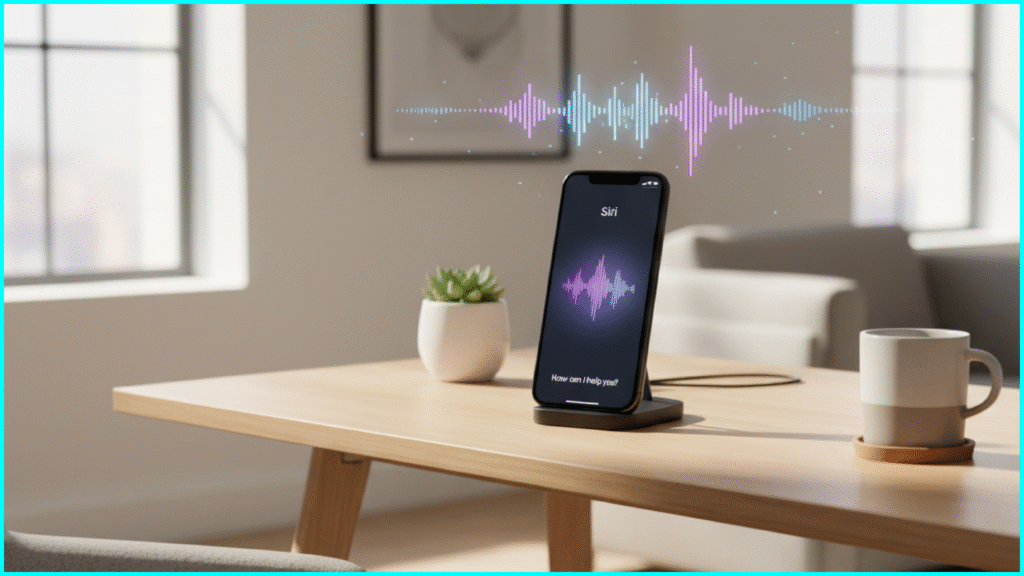
Apple Siri has evolved into a reliable ai voice assistant for iPhone, iPad, Mac, and even smart home devices. In 2025, Siri combines voice commands, personalization, and Apple’s ecosystem integration to deliver a hands-free experience for productivity and lifestyle tasks.
Features
- Voice-based assistant for calls, messages, and reminders
- Deep integration with iOS and macOS apps
- Smart home control through Apple HomeKit
- Contextual responses based on user behavior
- Works across iPhone, iPad, Apple Watch, and Mac
What I liked
- Smooth, natural voice interactions
- Privacy-first design compared to many competitors
- Excellent for managing hands-free tasks like setting reminders or controlling devices
What I disliked
- Works only in the Apple ecosystem
- Limited flexibility compared to ChatGPT or Gemini
- Can misinterpret commands in noisy environments
Pricing
- Free, pre-installed on Apple devices
Suitable For
- iPhone, iPad, and Mac users who want a personal AI assistant for everyday tasks
How to Start
Enable Siri from device settings and use voice commands like “Hey Siri” to activate.
5. Amazon Alexa
Amazon Alexa is one of the most widely used ai smart assistant tools for home and lifestyle. With Alexa-enabled devices, users can control their home, manage shopping lists, and even handle productivity tasks through voice commands.
Features
- Smart home integration with lights, appliances, and security systems
- Voice-based shopping and order management
- Calendar and task reminders
- Works with Echo devices, Fire tablets, and mobile apps
- Skills marketplace to extend functionality
What I liked
- Excellent for managing smart homes
- Wide range of integrations with third-party devices
- Can handle both personal and family use cases
What I disliked
- Works best with the Amazon ecosystem
- Concerns about privacy and always-on microphones
- Limited productivity tools compared to office-focused assistants
Pricing
- Free to use on Alexa-enabled devices
- Devices priced separately (Echo speakers, Echo Show, etc.)
Suitable For
- Families, homeowners, and lifestyle users looking for a home ai assistant
How to Start
Download the Alexa app or use an Echo device to get started. Add “Skills” from the marketplace to expand its abilities.
6. Perplexity AI
Perplexity AI is a powerful ai personal assistant for research and learning. Unlike most assistants that focus on task management, Perplexity specializes in delivering accurate, well-cited answers to queries, making it ideal for students and professionals.
Features
- Provides real-time answers with citations
- Summarizes articles and research papers
- Multi-device compatibility via web and mobile app
- Natural conversation-based search
- Great for academic and professional research
What I liked
- Delivers sourced, reliable answers rather than vague responses
- Excellent for quick learning and topic exploration
- Saves time by summarizing long content
What I disliked
- Less suitable for task management or scheduling
- The free plan has query limits
- Lacks integration with productivity apps
Pricing
- Free plan with limited queries
- Pro plan: $20/month
Suitable For
- Students, researchers, and professionals who need quick and reliable knowledge
How to Start
Visit Perplexity AI and start using the free plan or upgrade for more queries.
7. Claude (Anthropic)
Claude, developed by Anthropic, is an AI-powered personal assistant designed for businesses and professionals who value privacy and ethical AI. It focuses on safe, helpful, and accurate assistance.
Features
- Strong emphasis on ethical AI and safety
- Handles tasks like writing, summarization, and data analysis
- Works well in professional and business environments
- Integrates with productivity apps via APIs
What I liked
- Clear focus on safety and ethical use
- Great for teams that handle sensitive information
- Provides human-like writing and summaries
What I disliked
- Not as widely integrated into consumer tools
- Paid only after a limited trial
- Fewer voice assistant features
Pricing
- Paid plans starting from $20 per month
Suitable For
- Businesses, legal firms, and professionals managing private data
How to Start
Sign up at Claude and explore trial access before choosing a subscription.
8. Lindy AI

Lindy AI is a virtual AI assistant built for freelancers, consultants, and small business owners. It helps organize projects, automate workflows, and optimize time management.
Features
- Task and workflow automation
- Smart scheduling and calendar integration
- Productivity suggestions based on past activity
- Multi-platform support
What I liked
- Tailored for freelancers and solo entrepreneurs
- Helps reduce repetitive manual work
- Smooth scheduling across platforms
What I disliked
- The free version is limited
- Not as advanced in research as Perplexity or ChatGPT
- Pricing can add up for individuals
Pricing
- Paid plans: $9–$15 per month
Suitable For
- Freelancers and small teams looking for a practical AI desktop assistant
How to Start
Visit Lindy AI and try out the platform.
9. Saner AI
Saner AI is designed as the best AI virtual assistant for people who want simplicity in organizing tasks and projects. Its strength lies in combining calendars, reminders, and smart suggestions to make time management easier.
Features
- Task and calendar management in one place
- Smart rescheduling to avoid conflicts
- Works with Google and Outlook calendars
- Productivity suggestions based on habits
What I liked
- Easy to keep track of both work and personal tasks
- Prevents overbooking with realistic scheduling
- User-friendly dashboard
What I disliked
- The free plan is very limited
- Mobile app is less polished than the desktop
- Not as advanced in AI research capabilities
Pricing
- Individual Plan: $15/month
- Team Plan: $12/month per user
Suitable For
- Professionals and individuals needing a personal AI assistant app for productivity
How to Start
Visit Saner AI and sign up for an account.
10. Pieces AI

Pieces AI is a flexible AI-powered personal assistant for entrepreneurs, developers, and small business owners. It blends project management with AI-driven insights to boost productivity.
Features
- Task and project management tools
- Workflow integration for personal and professional use
- Available on desktop and mobile
- Productivity suggestions from AI learning patterns
What I liked
- Clean and intuitive interface
- Works equally well for business and personal organization
- Can integrate with existing workflows
What I disliked
- Paid subscription required for advanced tools
- Not designed for smart home management
- Limited voice support
Pricing
- Paid plans between $14 and $25 per month
Suitable For
- Entrepreneurs, developers, and small business owners seeking the best AI personal assistant app
How to Start
Register at Pieces AI and begin exploring productivity features.
Best AI Personal Assistants in 2025
| AI Assistant | Best For | Key Features | Free Plan | Pricing (Paid) | Platforms Supported |
| ChatGPT (OpenAI) | Business productivity, office tasks, and enterprise use | Natural conversation, document summaries, task management | ✅ Yes | $20/month (Plus) | Web, iOS, Android, PC |
| Google Gemini | Research, Android users, Google Workspace integration | Real-time internet data, multimodal inputs, docs + email help | ✅ Yes | $19.99/month Advanced | Android, Chrome, Web |
| Microsoft Copilot | Business productivity, office tasks, enterprise use | Deep Office 365 integration, GitHub Copilot, email automation | ❌ No | Included with Microsoft 365 / GitHub | Windows, PC, Web |
| Apple Siri | iOS ecosystem users, voice commands | Voice-first assistant, smart home control, reminders | ✅ Yes | Free with iOS devices | iOS, iPadOS, macOS, HomePod |
| Amazon Alexa | Smart home, daily tasks | Home automation, shopping, skills library | ✅ Yes | Free (devices required) | Echo devices, iOS, Android |
| Perplexity AI | Fast research, direct answers | Real-time web search, citations, summaries | ✅ Yes | $20/month Pro | Web, iOS, Android |
| Claude (Anthropic) | Safer long-form writing, business documentation | Large context window, ethical AI model, data summarization | ✅ Yes | $20/month Pro | Web, iOS |
| Lindy AI | Workflow automation, team collaboration | AI scheduling, email drafting, task management | ❌ No | $25/month | Web, PC, Mobile |
| Saner.AI | Personal productivity and focus | Contextual memory, note-taking, meeting highlights | ❌ No | $10/month | Web, Mobile |
| Pieces for Developers | Programmers, coders, tech teams | AI code snippets, context-aware help, integrations | ✅ Yes | $14/month Pro | PC, IDEs, GitHub |
How to Choose the Best AI Personal Assistant
Not every ai personal assistant app is right for every user. The best way to decide is to look at your goals and habits.
- For busy professionals and business owners: Microsoft Copilot, Motion, and Saner.AI offer strong project and scheduling features.
- For general lifestyle tasks and home automation: Siri, Alexa, and the Samsung AI Smart assistant are convenient and reliable.
- For research and learning: ChatGPT, Claude, and Perplexity stand out with long-form reasoning and summarized answers.
- For developers and coders: GitHub Copilot and GitHub AI assistant tools are excellent for building faster.
Tip: Start with a free AI personal assistant plan where possible, then upgrade only if you need premium features.
Some AI personal assistants function as AI agents that can plan, research, and execute tasks. Learn how to use AI agents effectively in daily life and business.
The Future of AI Assistants
The next stage of intelligent personal assistants will be about more than answering commands. They are evolving into proactive partners that anticipate needs and act before you ask.
In the coming years, expect to see:
- AI voice assistants for PC that sound more natural and human
- Home AI assistants that manage appliances, energy use, and security
- Personalized coaching for health, learning, and career growth
- Privacy-first assistants that process data locally rather than in the cloud
These advancements will redefine what we mean by a personal AI assistant.
Conclusion
Choosing the best AI personal assistant in 2025 is about matching features to your lifestyle. If you need a reliable AI-powered personal assistant for productivity, Copilot or Motion is excellent. If you prefer a free AI assistant, start with ChatGPT, Siri, or Alexa. For Android enthusiasts, Samsung AI Assistant and Google Gemini are seamless picks.
Whether it’s a virtual AI assistant helping with tasks or a smart assistant AI that organizes your home, these tools are no longer optional—they are becoming part of everyday life. By choosing wisely, you can save time, reduce stress, and focus on what really matters.
Frequently Asked Questions (FAQs)
What is an AI assistant?
An AI assistant is an intelligent software program designed to handle tasks such as answering questions, managing schedules, drafting emails, or even controlling smart devices.
What is the best AI personal assistant in 2026?
The best AI personal assistant depends on your needs. ChatGPT and Google Gemini are excellent for content and research, while Microsoft Copilot is the strongest for business tasks.
Is there a free AI assistant?
Yes. Options like ChatGPT Free, Siri, and Alexa act as free AI personal assistants, although many advanced features require a subscription.
Can AI assistants help in business?
Yes. Microsoft Copilot, Motion, and Saner.AI are designed for businesses, offering features such as meeting summaries, project tracking, and advanced scheduling.
Which AI assistant is best for Android?
Google Gemini and Samsung AI assistant are the most effective for Android devices, offering smooth integration with apps and settings.
Are AI assistants safe to use?
Most well-known AI personal assistant apps are safe, but it is best to review your privacy settings and avoid sharing sensitive information unless necessary.